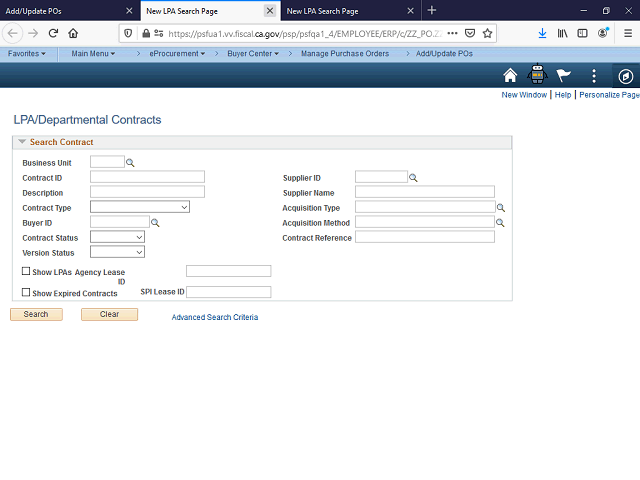
When clicking certain links, FI$Cal will open new browser tabs.
When you are finished conducting your search, close this newly opened tab and return to the Add/Update POs page to select the desired contract.
Next Step
Table of Contents Topic Overview BackPress Alt + Left Arrow to return to the previous page