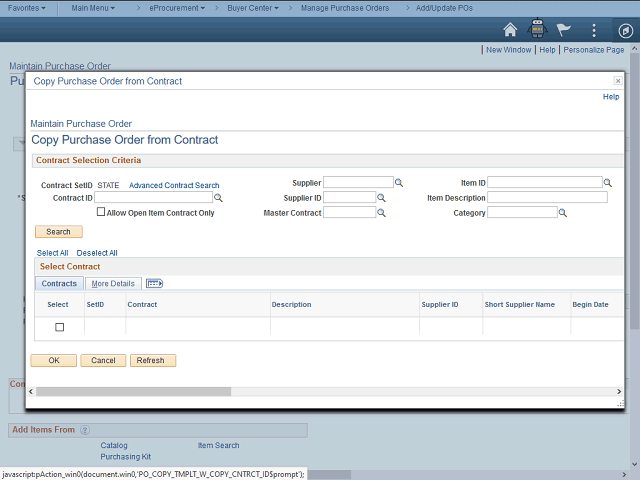
Once you have located the contract in FI$Cal, select the contract from this page by using the Contract ID field.
You will then be able to choose which line items to copy to the PO.
Next Step
Table of Contents Topic Overview BackPress Alt + Left Arrow to return to the previous page